Every room matters.
Mesh Wi-Fi setup and installation planned around walls, floors, workspaces and outdoor areas. We assess access-point placement and wired or wireless backhaul.
Improve my coverage ↗ WI-FILet's fix your Wi-Fi ↗
Need a home Wi-Fi technician? We troubleshoot slow connections and dead zones, set up mesh Wi-Fi, and plan Ethernet cabling for homes and small businesses within 70 miles of Daly City.

Cisco routing, Fortinet security and network infrastructure for Bay Area homes and businesses.
Explore network services
Custom websites for small businesses. Explore our design approach, concepts and website plans.
Discover Redes Digital Studio
Wi-Fi troubleshooting, mesh setup and Ethernet cabling planned around your space within 70 miles of Daly City.
Explore Wi-Fi solutions
Watch mesh points share a connection across your home.
Illustrative simulation, not a live signal reading. Actual coverage and automatic rerouting depend on equipment, placement and configuration.
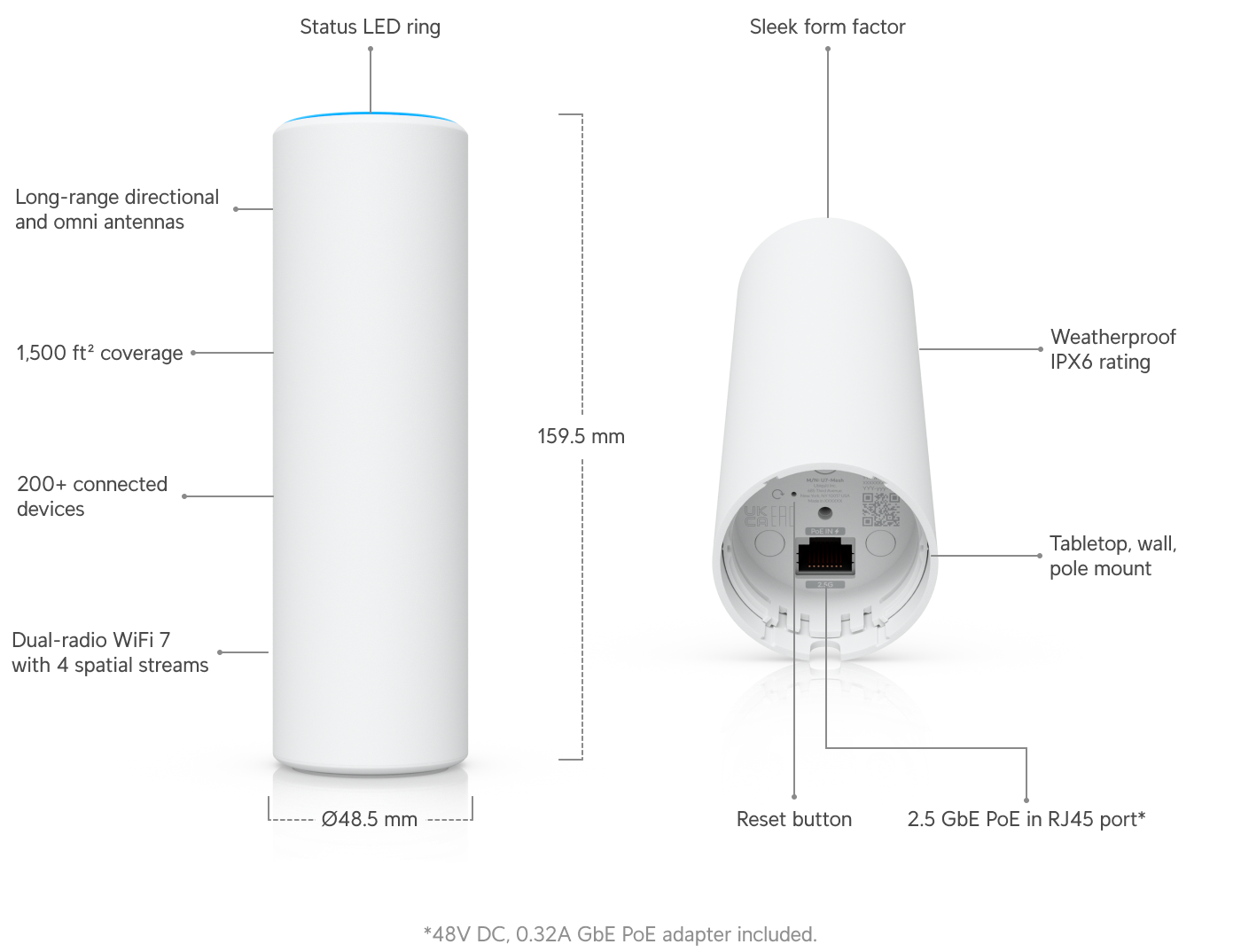 Ubiquiti UniFi
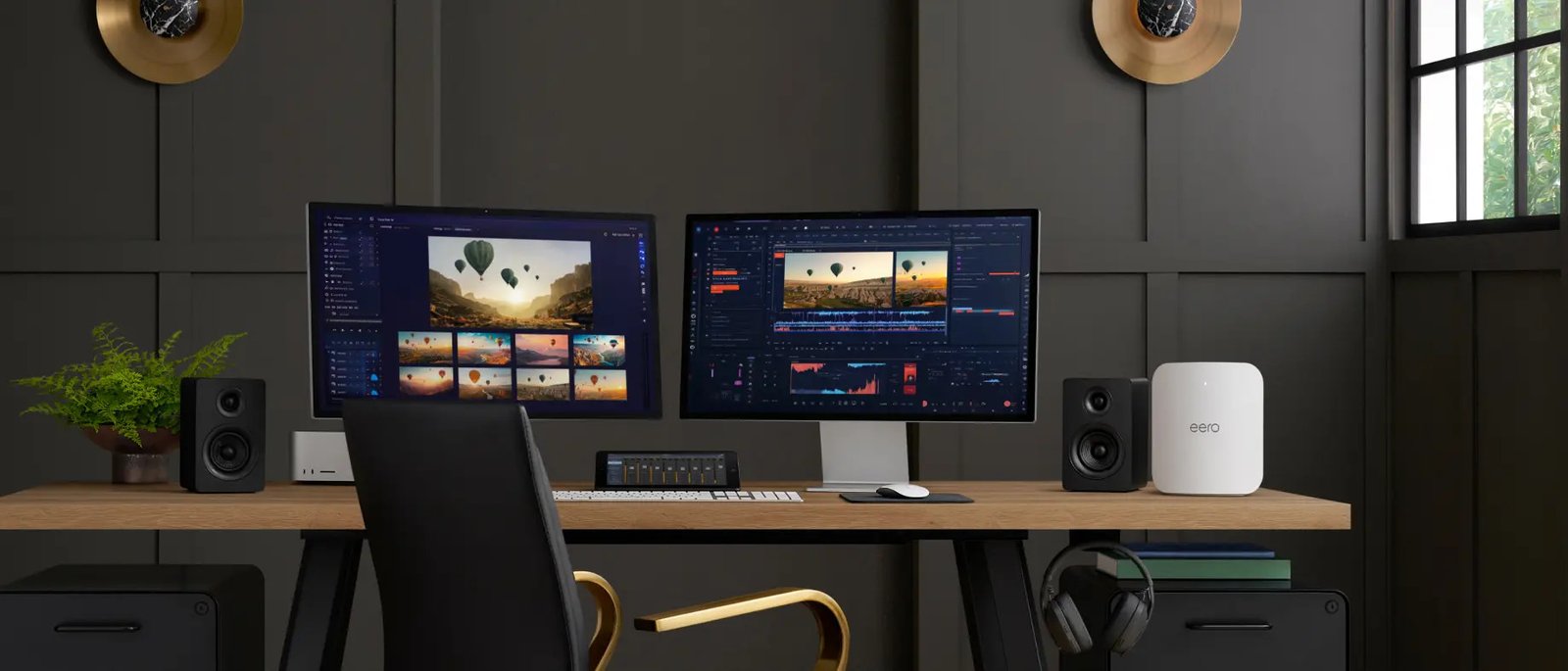
 eero
 tp-link Deco · Omada
 Orbi NETGEAR
 Meraki Cisco
Equipment selection depends on your layout, devices and goals. Brand names do not imply an official partnership.
A reliable connection starts with understanding your space. We look at placement, interference, wiring and your internet service before recommending equipment.
Mesh Wi-Fi setup and installation planned around walls, floors, workspaces and outdoor areas. We assess access-point placement and wired or wireless backhaul.
Improve my coverage ↗Residential network troubleshooting for slow Wi-Fi, dropped connections and unstable video calls. We check the local network before recommending equipment.
Find the problem ↗Ethernet cabling, routers, switches and access points planned as one network. We review the cable route and scope before agreeing to the installation.
Plan my installation ↗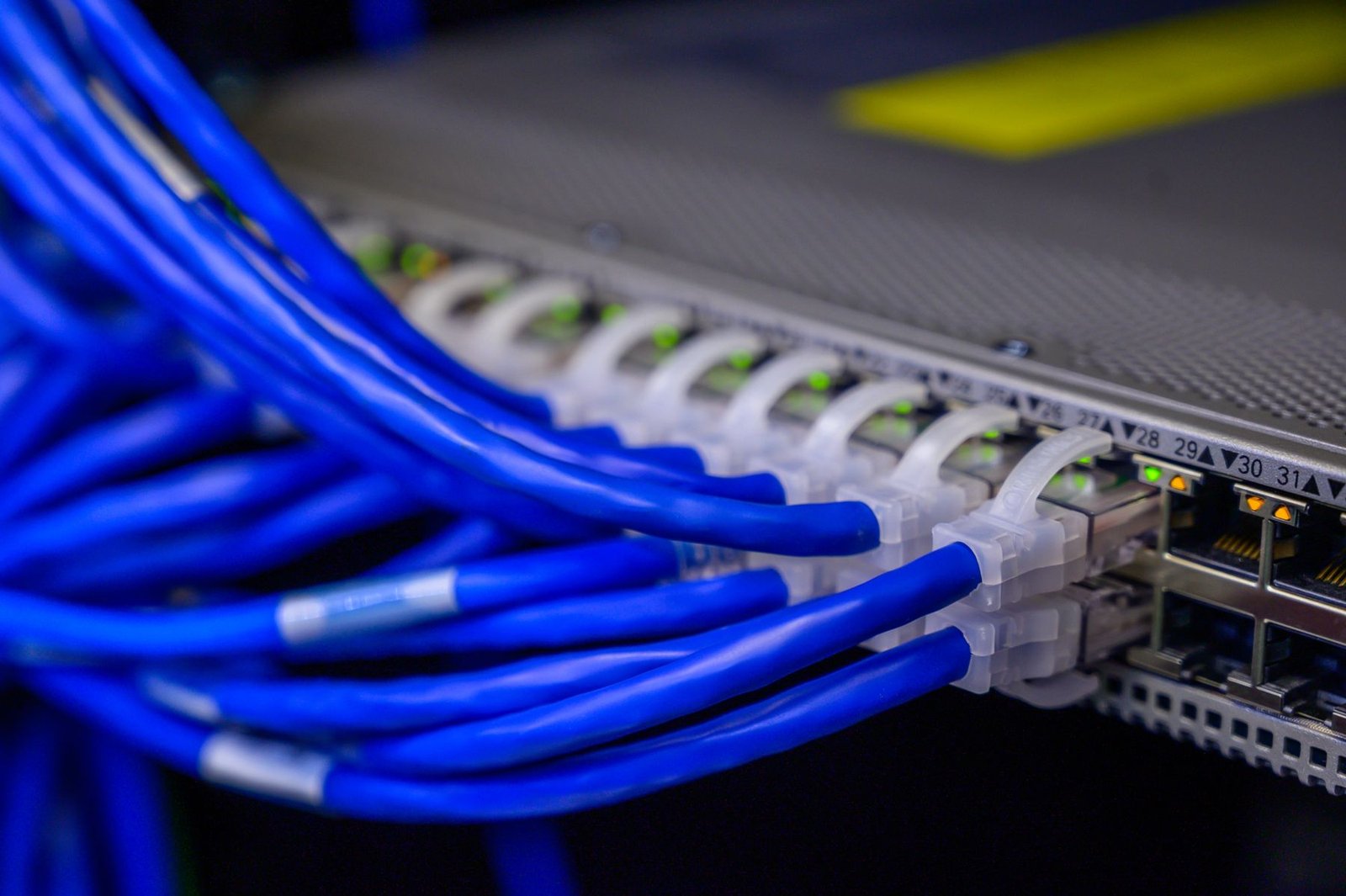 THE FOUNDATION BEHIND YOUR WI-FI
The newest router is only one part of the solution. Your devices, wiring, floor plan and internet service all shape the result.
Wi-Fi 7 adds capabilities such as Multi-Link Operation on compatible devices. We assess whether an upgrade makes sense for your network before choosing a system.
Tell us what is happening. We organize the next steps and keep your service history together.
Share your location, equipment and the connection problems you want to solve.
Review an assessment and proposed scope before approving the work.
Set up the agreed network and check coverage where it matters to you.
The planned portal connection brings your request, updates and service history together.
Serving homes and small businesses within a 70-mile radius of Daly City. Share your service address so we can confirm coverage and scheduling.
Check my service area ↗The radius is measured in a straight line. Appointment availability is confirmed individually.Good installation means more than plugging in a router. Equipment placement, clean connections and a layout you can understand all matter.
The photographs shown here are illustrative stock and manufacturer images. The hero is an AI-generated installation illustration. Selected customer reviews are identified in the reviews section.
Selected reviews of Helio’s work, originally posted on Thumbtack.
Helio got our remote ADU connected to WiFi! Thank youKat R.Feb 12, 2026 · Thumbtack
Helio is fantastic! He was able to get me back up and running within an hour. I’ll definitely call him next time I have a tech issue.Yvonne B.Feb 11, 2026 · Thumbtack
Fixed a problem preventing internet connection by replacement of a cable instead of a failed connection which had been my guess. He was courteous and worked efficiently. I'm a happy camper.Rick H.Feb 6, 2026 · Thumbtack
Helio got the job done.Princess W.Jan 15, 2026 · Thumbtack
Helio was very helpful with resolving my spotty wifi connectionPrincess W.Dec 31, 2025 · Thumbtack
Tell us what you need by typing. Send the form or use our guided request assistant. Your request goes to our service team, and you can ask for an email reply.
Call and talk to Erica, our Wi-Fi assistant. She answers 24/7 in English and many other languages, takes your details and a technician calls you back. Calls may be recorded and transcribed to handle your request.
Not always. The issue could be your internet plan, wiring, interference, placement or a device. An assessment helps identify the cause before recommending equipment.
That depends on your devices, current equipment and goals. Many spaces can benefit from a better planned Wi-Fi 6 network; Wi-Fi 7 capabilities require compatible equipment and devices.
Tell us which router, mesh system, switches and access points you have. We will assess compatibility and the scope of work before proposing changes.
We do not install internet and we are not an internet provider. We troubleshoot and improve your local Wi-Fi network; your internet service remains with your provider.